Description
Build the digital skills you need to work, learn, create, and thrive in today’s digital world.
Are you confident using a computer and the internet? Can you create professional documents, organise files, collaborate online, design graphics, or use AI to generate ideas and improve your work?
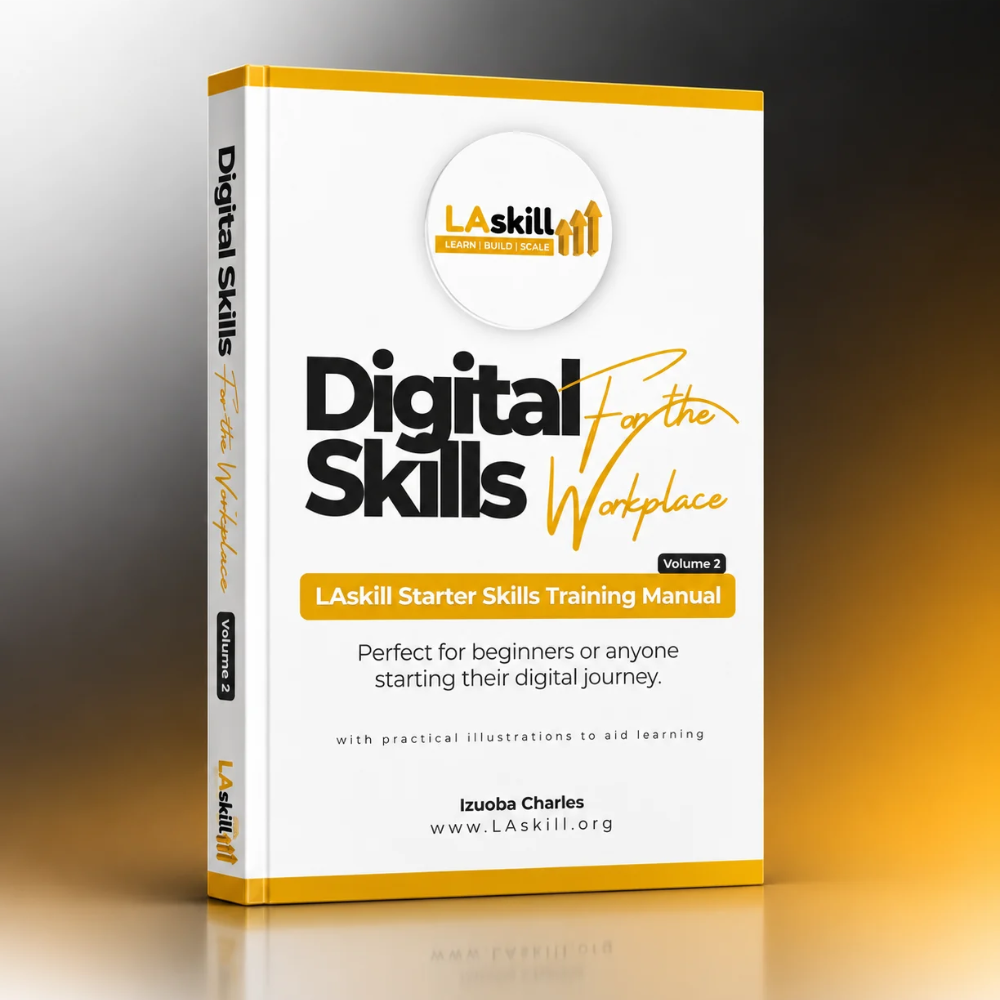
The Starter Skills Training Manual is a practical, beginner-friendly learning resource designed to help you develop essential digital skills from the ground up.
Whether you’re a student, job seeker, business owner, professional, or someone looking to become more confident with technology, this manual provides a structured pathway to understanding and using today’s essential digital tools.
Developed as part of the LAskill Training Center learning series, this manual combines clear explanations, practical lessons, and guided learning activities to help you move beyond simply knowing about technology to confidently using it in your everyday life.
What You Will Learn
The manual is organised into three major learning modules:
1. Getting Started with the Internet
Build a solid foundation in computer and internet usage. Learn how to:
- Understand Basic ICT concepts.
- Navigate and use the internet.
- Search for information effectively.
- Use email for communication and collaboration.
2. Mastering Google Productivity Tools
Discover how to use Google’s productivity tools to create, organise, communicate, and collaborate more effectively.
You’ll learn:
- Google Docs – Create and format professional documents.
- Google Slides – Design engaging presentations.
- Google Forms – Create online forms and collect responses.
- Google Sheets – Organise information and work with spreadsheets.
- Google Meet – Participate in online meetings.
- Google Calendar – Manage schedules and appointments.
- Google Drive – Store, organise, and share digital files.
3. Content Creation & Design Using AI
Explore how modern digital tools can help you turn ideas into useful content and professional-looking designs.
You’ll learn:
- Content Creation – Develop useful and engaging digital content.
- Artificial Intelligence (AI) – Use AI tools to generate ideas and improve your work.
- Graphic Design with Canva – Create attractive graphics and visual materials.
- Video Creation with InShot – Produce and edit basic videos.
What You Will Achieve
By the end of this training, you will be able to confidently:
- Use a computer and navigate the internet.
- Search for and share information online.
- Create and manage documents, spreadsheets, and presentations.
- Use Google tools for productivity and collaboration.
- Participate in virtual meetings.
- Organise and manage files using Google Drive.
- Use AI to generate ideas and support your work.
- Create basic digital content, graphics, and videos.
Who Is This Manual For?
- Students seeking essential digital skills for academic success.
- Job seekers preparing for today’s digital workplace.
- Professionals looking to improve their productivity.
- Entrepreneurs and business owners who want to leverage digital tools.
- Beginners who want to become more confident using technology.
Learn It. Then Prove It.
This is more than a collection of lessons. It is a practical starting point for becoming digitally confident, productive, and creative.
Whether you’re learning for personal development, academic advancement, or career opportunities, the skills in this manual will give you a stronger foundation for navigating the digital world.
Start learning today. Build practical skills. Put technology to work for you.
An official learning resource from LAskill Training Center.