Skip to content
LAskill
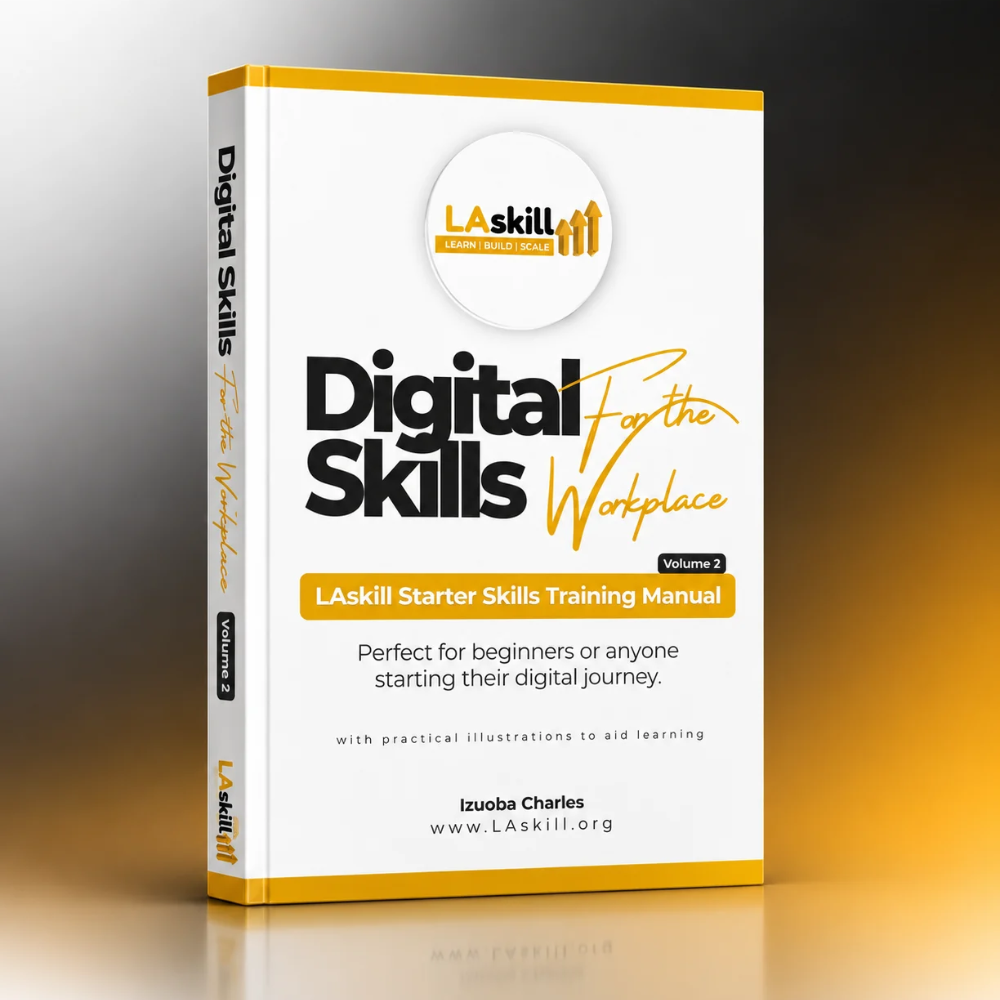
Volume 2

LAskill Starter Skills Training Manual

Your clear guide to the computer, the internet, Google tools, content creation and AI. Written in simple words, so you can learn at your own pace.

Pay now $25

Pay once. Your download link comes right after payment.

  • 24 topics
  • Over 50 pages
  • 600+ free practice questions

What is inside

Three parts, 24 topics. Each one is short, clear and made to be used.

Part 1

Getting Started with the Internet

The base that every other skill stands on.

  • How a computer works
  • Parts of a computer
  • Using a computer
  • General computer shortcuts
  • Windows, file and symbol shortcuts
  • Browser and function key shortcuts
  • The internet, browsers and online safety
  • Search skills
  • Email and Gmail
Part 2

Google Productivity Tools

Write, present, calculate, meet and organise online.

  • Google Docs: start and menus
  • Google Docs: formatting and teamwork
  • Google Slides: basics and slide types
  • Google Slides: themes, backgrounds, transitions and presenting
  • Google Forms
  • Google Sheets: cells, rows, columns and freezing
  • Google Sheets: formulas
  • Google Meet
  • Google Calendar
  • Google Drive
Part 3

Content Creation and AI

Make content people notice, and use AI as your helper.

  • Understanding content and content creation
  • Planning and writing good content
  • Artificial intelligence and prompts
  • Graphic design and Canva
  • Mobile videography and InShot

What you will be able to do

  • Use a computer with confidence, from the first click.
  • Save hours every week with keyboard shortcuts.
  • Search the internet well and spot online scams.
  • Write, present, calculate and organise with Google tools.
  • Create posts, flyers and videos that people notice.
  • Write clear prompts and use AI as a helper, not a boss.
Pay now $25

Pay once. Your download link comes right after payment.

Practise as you learn

Every topic in the manual has a free practice quiz. Take it, see the reason behind every answer, and get your score by email. No account needed.

Try a free quiz

Who it is for

Beginners

You want to feel at home with a computer and the internet, with nothing assumed.

Students and graduates

You want skills that employers ask for, ready before your first interview.

Business owners and staff

You want to work faster, look professional and stay safe online.

Anyone learning at home

You want a clear guide you can open at any time, at your own pace.

How to get your copy

  1. Click Download now.The manual is added to your cart at once. You stay on this page.
  2. Pay securely.Tap Pay now and finish your order at checkout.
  3. Download and start learning.Your download link is on the confirmation page and in your email.

Questions

Do I need any experience?

No. The manual starts with how a computer works and builds up one step at a time.

What do I get after I pay?

You get a download link on the confirmation page and in your email, so you can download the manual straight away.

Can I practise what I learn?

Yes. Every topic has a free practice quiz that shows you the reason behind every answer.

What if I need help?

Email hello@laskill.org and our team will help you.

Ready to learn the skills that open doors?

Get your copy of the LAskill Starter Skills Training Manual today.

Pay now $25

Pay once. Your download link comes right after payment.