Description
Turn your HTML pages into beautiful, responsive websites with the power of CSS.
Have you learned a little HTML and wondered how websites get their colours, layouts, fonts, spacing, and beautiful designs? The answer is CSS!
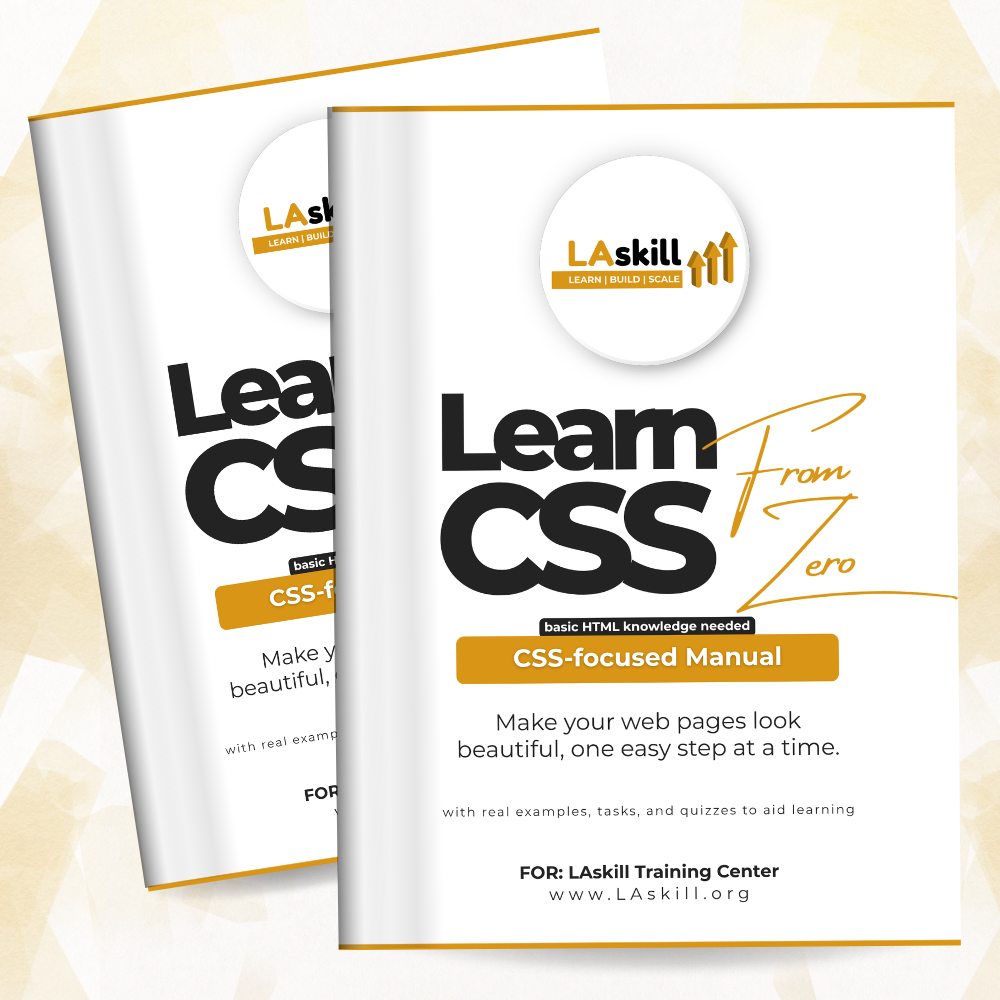
The LAskill CSS Starter Manual is a practical, beginner-friendly guide designed to help you understand CSS and use it to transform simple web pages into visually appealing websites.
Written for beginners, this manual takes you step by step through the fundamentals of CSS, from understanding how styles work to creating responsive layouts and publishing your own styled website online for free.
You don’t need to be an expert to get started. With a little knowledge of HTML, a computer, and about 30–60 minutes of daily practice, you can build the confidence to style web pages on your own.
What You Will Learn
This manual covers 15 practical chapters that guide you through the essential concepts of CSS:
- CSS Fundamentals: Understand what CSS is, how it works, and how to add it to your web pages.
- Selectors: Learn how to target and style specific HTML elements.
- Colors and Backgrounds: Give your web pages visual appeal with colours and background styles.
- Text and Fonts: Improve readability and create attractive typography.
- Units, Width and Height: Control the size and dimensions of elements.
- The Box Model: Understand margins, padding, borders, and how elements occupy space.
- Cascade and Specificity: Learn how CSS rules interact and how to fix styling conflicts.
- Display, Overflow and Positioning: Control how elements appear and behave on a page.
- Flexbox: Build flexible layouts in one direction.
- CSS Grid: Create structured layouts using rows and columns.
- Styling Links, Lists, Tables and Forms: Make common website elements look professional.
- Responsive Design: Create web pages that adapt to different screen sizes.
- Transitions, Transforms and Animations: Add engaging visual effects to your designs.
- Final Project: Style and publish your own website.
More Than Just a CSS Book
Every learning experience should be practical. This manual includes additional resources to support your journey:
- A final project to apply what you’ve learned.
- Quiz answer key for self-assessment.
- A CSS glossary to help you understand important terms.
- A CSS cheat sheet for quick reference.
Who Is This Manual For?
This manual is ideal for:
- HTML beginners ready to take the next step into web development.
- Aspiring web designers and developers.
- Students learning website design and development.
- Business owners who want to understand how their websites are styled.
- Anyone curious about how websites are designed and structured.
Your Goal: Style and Publish Your Own Website
By the end of this manual, you will have the knowledge and practical skills to style your own web pages and publish them on the internet for free.
Study at your own pace. Spend 30 to 60 minutes a day practising, and you could complete the manual in about three weeks.
Remember: learning slowly is still learning.
Start with CSS. Build your skills. Bring your websites to life.
Part of the LAskill Training Center digital skills learning series.
Learn | Build | Scale